What hardware do I need to run Spektra?
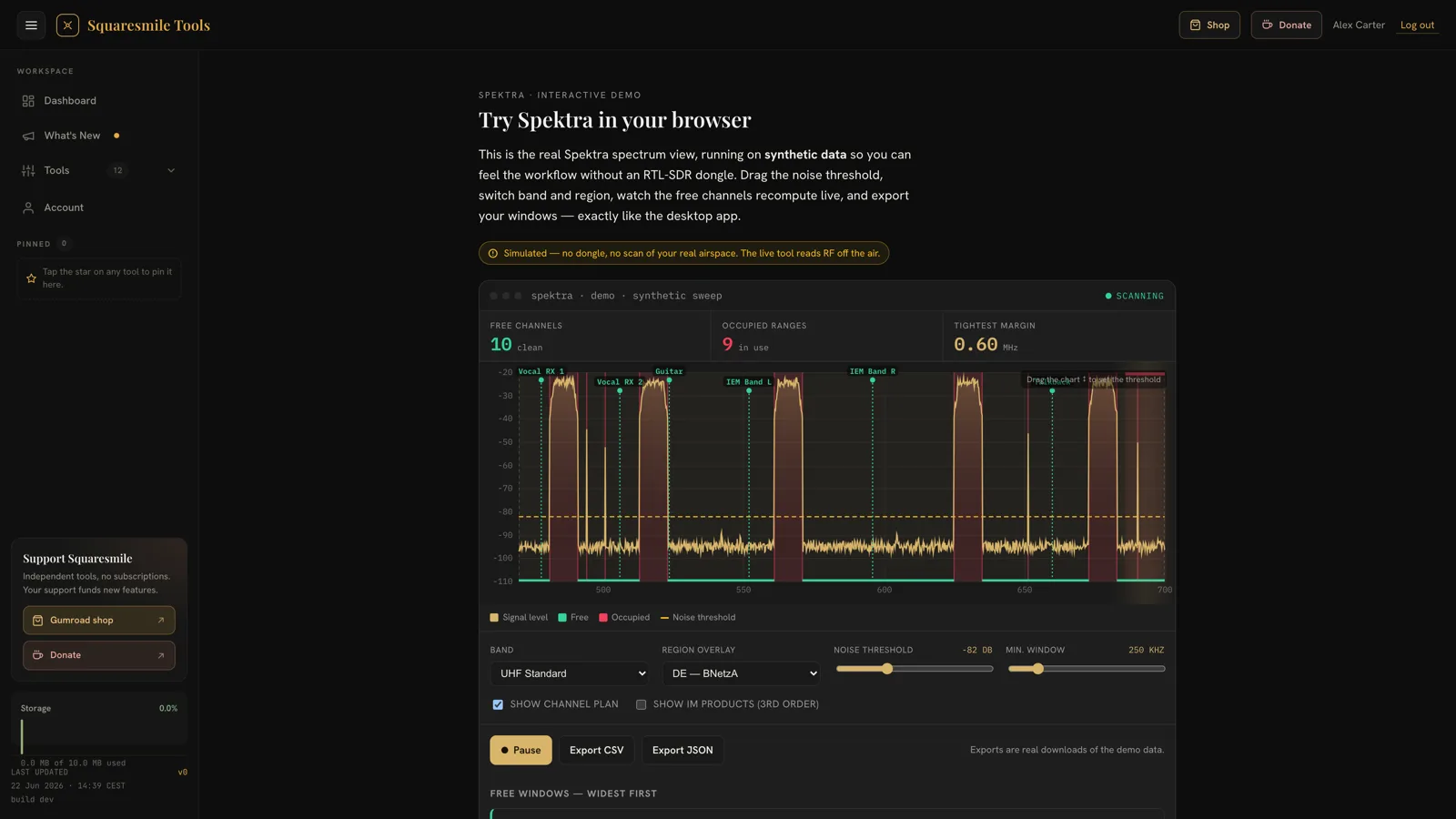
Any of 8 supported analyzer families, auto-detected on plug-in: RTL-SDR Blog V3 (the ~€40 reference device) and generic RTL2832U dongles, tinySA and tinySA Ultra, RF Explorer WSUB1G and 3G Combo, HackRF One, Airspy, and SDRplay RSP models. No hardware yet? A built-in demo mode generates a synthetic spectrum so you can learn the app first.
Which bands and regions does it cover?
The default sweep covers the 470–700 MHz UHF wireless-mic band in a few seconds, with presets for DECT (1880–1900 MHz) and 2.4 GHz — and capable hardware can tune up to 6 GHz. Regulation overlays for 8 regions (DE, UK, EU/CEPT, US, FR, AU, JP, CA) tint TV whitespace and give each registered device a license verdict: license-free, registration required, or forbidden.
Does it replace professional coordination software?
For the pre-show workflow, it closes the whole loop: sweep the band, read what is genuinely free, and let the Frequency Advisor generate 4–128 intermod-checked frequencies inside the measured gaps — then print the plan as an A4 PDF. What it does not do is remote-control receivers the way manufacturer suites do for their own gear.
How do I buy and download it?
Purchase a one-time license through Gumroad. After checkout you get an instant download link plus future updates for that major version. Spektra ships for macOS (Apple Silicon & Intel) and Windows as a double-click app — no Python, no driver installs, everything bundled.
Can I use it without internet?
Yes. Spektra is 100% local: it talks to your analyzer over USB, binds to localhost only, and sends no telemetry. No account, no cloud — ideal for festival sites and venues with no connectivity.
What languages and themes are supported?
Seven interface languages — English, German, French, Spanish, Italian, Dutch and Portuguese — with light and dark themes and a tunable accent color.